
The Complete Guide to Using Canva

Stop feeling overwhelmed every time you open Canva

$27
The Complete Guide to Using Canva 1
You know Canva is supposed to make design easy, but every time you open it, you’re clicking around aimlessly, unsure if you’re using the right tools or if there’s a better way to do what you’re trying to accomplish.
You watch tutorials that show you one specific thing, but you still don’t understand how everything works together.
And when it comes to actually selling what you create on Etsy, you’re completely lost.
This guide changes that.

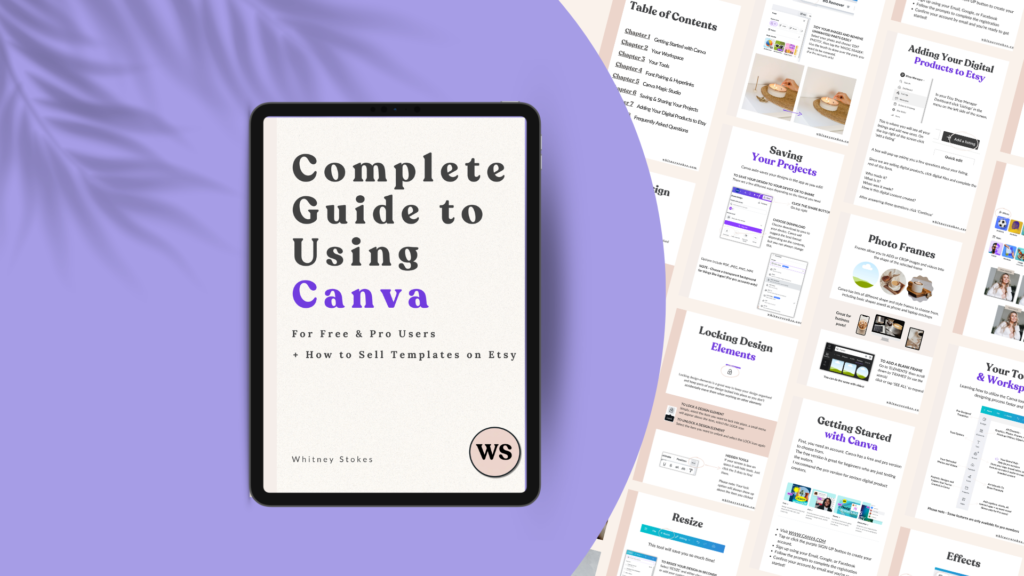
A complete 49-page guide that takes you from Canva beginner to confident creator who knows exactly how to design professional digital products and sell them on Etsy.


Chapter 1: Getting Started with Canva – Set up your account, understand the difference between Free and Pro, and learn which version you actually need
Chapter 2: Your Workspace – Navigate Canva like a pro and find exactly what you need when you need it
Chapter 3: Your Tools – Master the essential tools you’ll use to create stunning digital products
Chapter 4: Font Pairing and Hyperlinks – Design with professional typography and add clickable links to your PDFs
Chapter 5: Canva Magic Studio – Unlock powerful AI features that speed up your design process
Chapter 6: Saving and Sharing Your Projects – Export files correctly for different platforms and purposes
Chapter 7: Adding Your Digital Products to Etsy – Step-by-step walkthrough of listing your Canva creations on Etsy and setting yourself up for sales
Chapter 8: FAQ – Answers to the most common questions Canva users ask


Perfect for both Free and Pro users, so you can start wherever you are.

Most Canva tutorials show you how to do one thing. This guide shows you how everything works together so you can create anything you imagine and actually sell it.


You’ll learn:
• How to navigate Canva without getting lost
• Which tools to use for different design projects
• How to make your designs look professional, not DIY
• How to properly export files for selling
• Exactly how to list your digital products on Etsy
• Common mistakes to avoid that cost you sales

Aspiring digital product creators, Etsy sellers who want to create their own products, complete Canva beginners, and anyone who’s been fumbling through Canva wishing someone would just explain how it all works.

Download the PDF, start with Chapter 1 to get your foundation, work through each chapter at your own pace, and reference it anytime you need a refresher. Keep it open while you work in Canva so you can follow along and practice.
By the time you finish, you’ll understand Canva from the inside out and know exactly how to turn your designs into income on Etsy.

49 pages | Instant PDF download | For Free & Pro users | Etsy selling included